Installation
Install the smcp CLI on macOS, Linux, Windows, or from source
3 min read
MCP Hub is a trust infrastructure that automatically analyzes and certifies MCP (Model Context Protocol) servers so you can run them safely. Think of it as a trusted package manager for AI tools: you browse a catalog of MCP servers, each one scored and certified by automated security analysis, and run them locally with sandboxing and policy enforcement. No manual review, no guesswork about what a tool does behind the scenes.
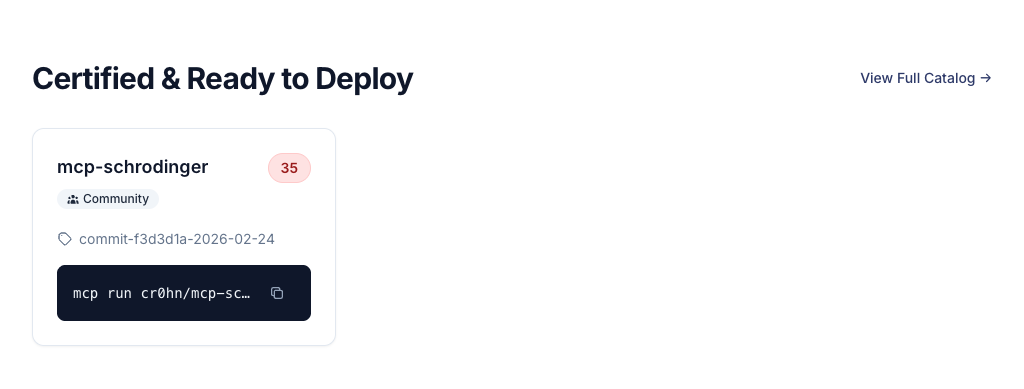
The MCP Hub catalog at mcp-hub.info/catalog is where you discover MCP servers. Every server listed in the catalog has been automatically analyzed for security vulnerabilities. You can search by name, filter by category, and sort by security score or popularity.
Each MCP server in the catalog shows:
Every MCP server receives a security score from 0 to 100 based on automated static analysis. The scanner checks for 14 classes of vulnerabilities, including prompt injection, data exfiltration, insecure network access, and privilege escalation.
The score maps to a certification level:
| Level | Name | Minimum Score | What It Means |
|---|---|---|---|
| 0 | Integrity Verified | Any | Package integrity confirmed via digest. No analysis guarantees. |
| 1 | Static Verified | 60 | Basic analysis passed. No critical vulnerabilities found. |
| 2 | Security Certified | 80 | Full analysis with evidence. Security controls verified. |
| 3 | Runtime Certified | 90 | Dynamic analysis verified. Highest trust level. |
Higher certification levels mean the MCP server has passed more rigorous security checks. Organizations can set a minimum certification level as a policy requirement.
smcp command on your machineInstall the smcp CLI on macOS, Linux, Windows, or from source
Run your first MCP server in under 2 minutes